Why wire a house?
Wireless performance drops through thick walls, between floors and in extensions. Mesh systems help, but every wireless hop loses speed. A wired connection gives full, stable speed with low latency – ideal for video calls, online gaming, streaming 4K or 8K content and backing up to a home server.
Running data cables also lets you put Wi-Fi access points exactly where they're needed, connected back by cable, which gives much better whole-house coverage than a single router.
Cat5e, Cat6 or Cat6a?
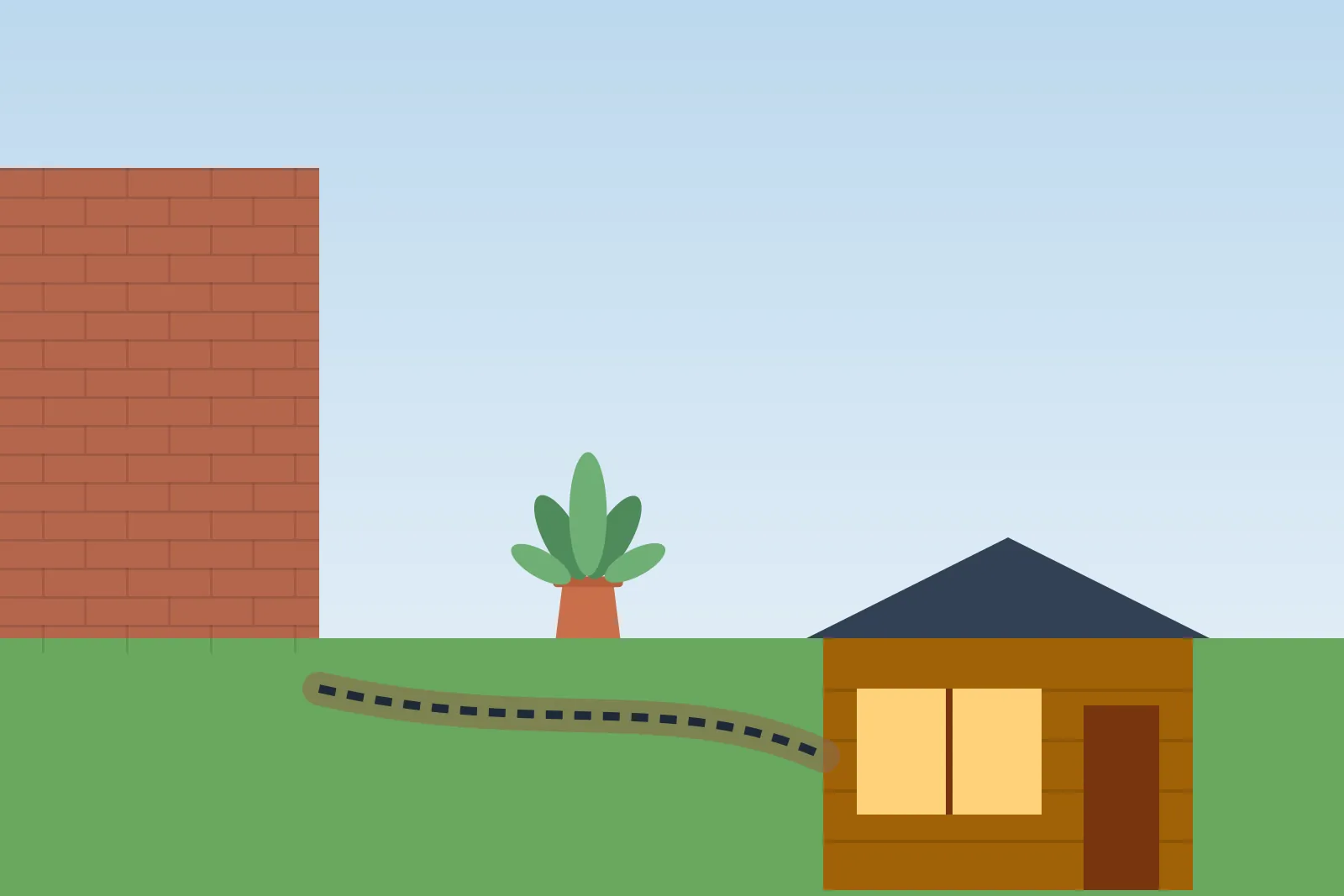
For most homes, Cat6 is the sensible balance of cost and future-proofing. Use outdoor-rated cable for runs to garden offices and cameras.
| Cable | Speed | Good for |
|---|---|---|
| Cat5e | Up to 1Gbps | Basic home networks |
| Cat6 | 1Gbps (10Gbps over short runs) | Most homes – the usual choice |
| Cat6a | 10Gbps up to 100m | Future-proofing, home labs |
| Fibre | Very high | Long runs or between buildings |
Common data cable types
Planning the network
Keep data cables separated from mains cables where they run in parallel to reduce interference, and follow good practice on cable support and fire safety in voids. See how many sockets do I need for a matching power plan.
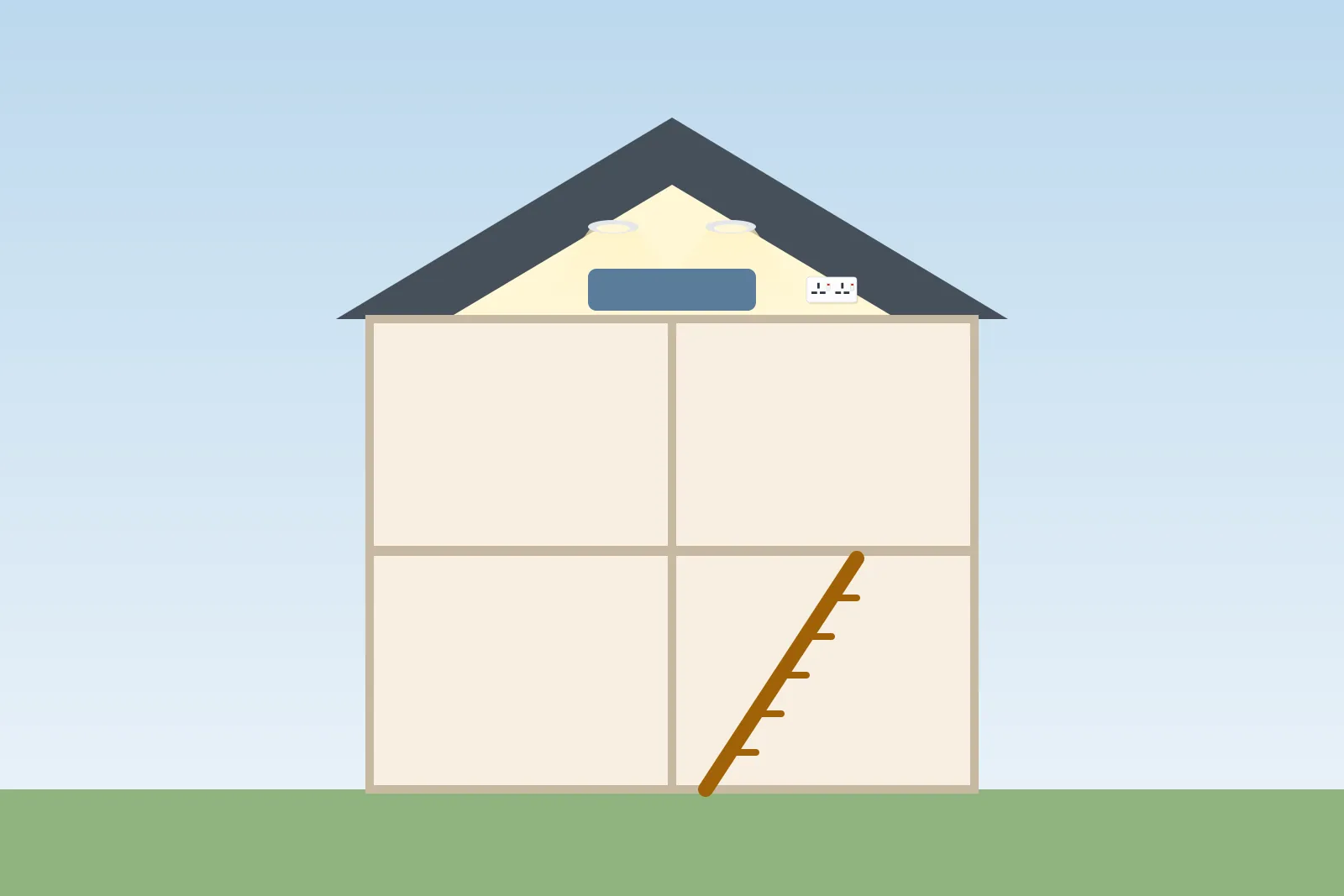
- Choose a central hub location – often under the stairs, in a cupboard or loft
- Bring the broadband line into that location if you can
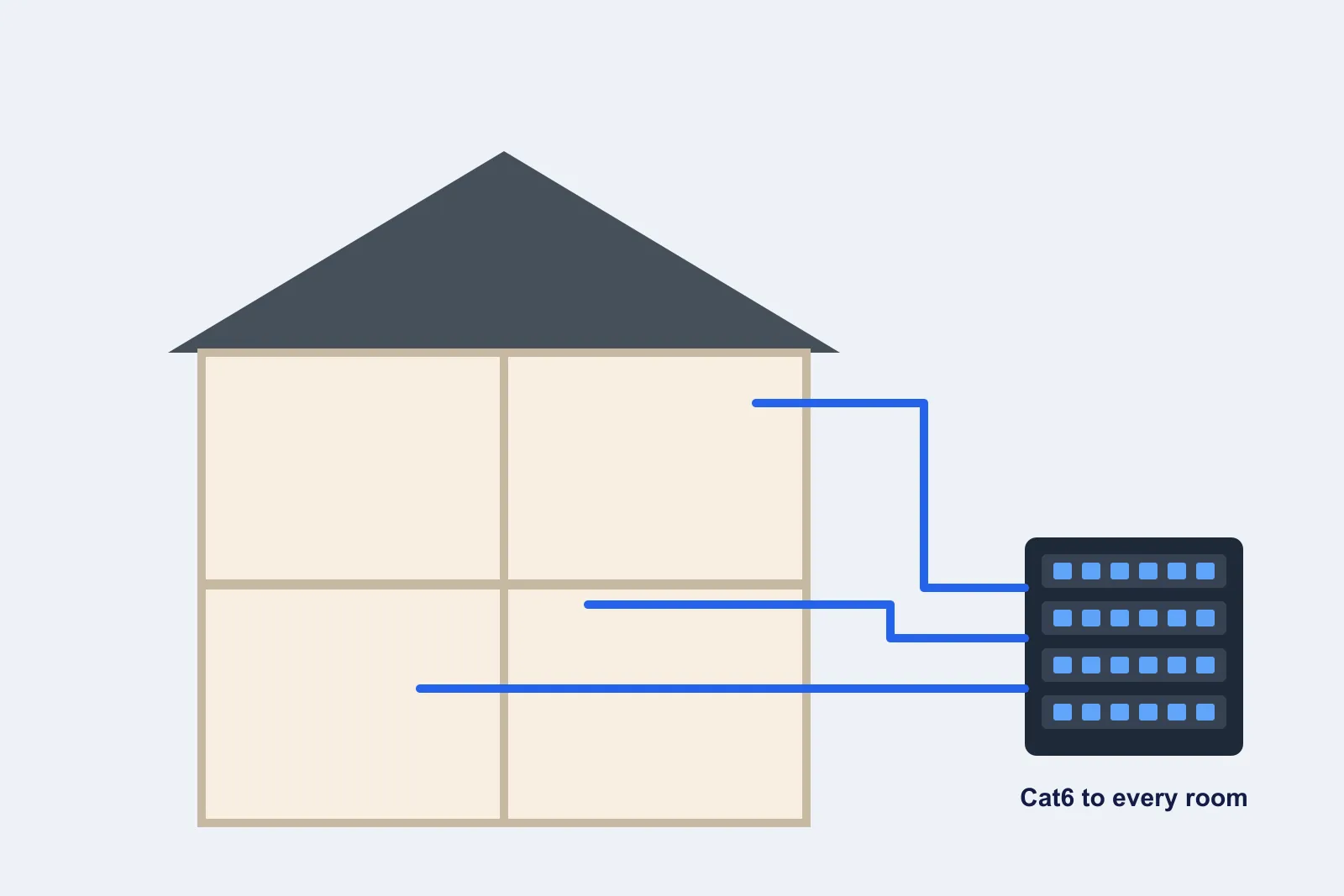
- Run cables from the hub to each room you want connected
- Terminate them on a patch panel with a network switch
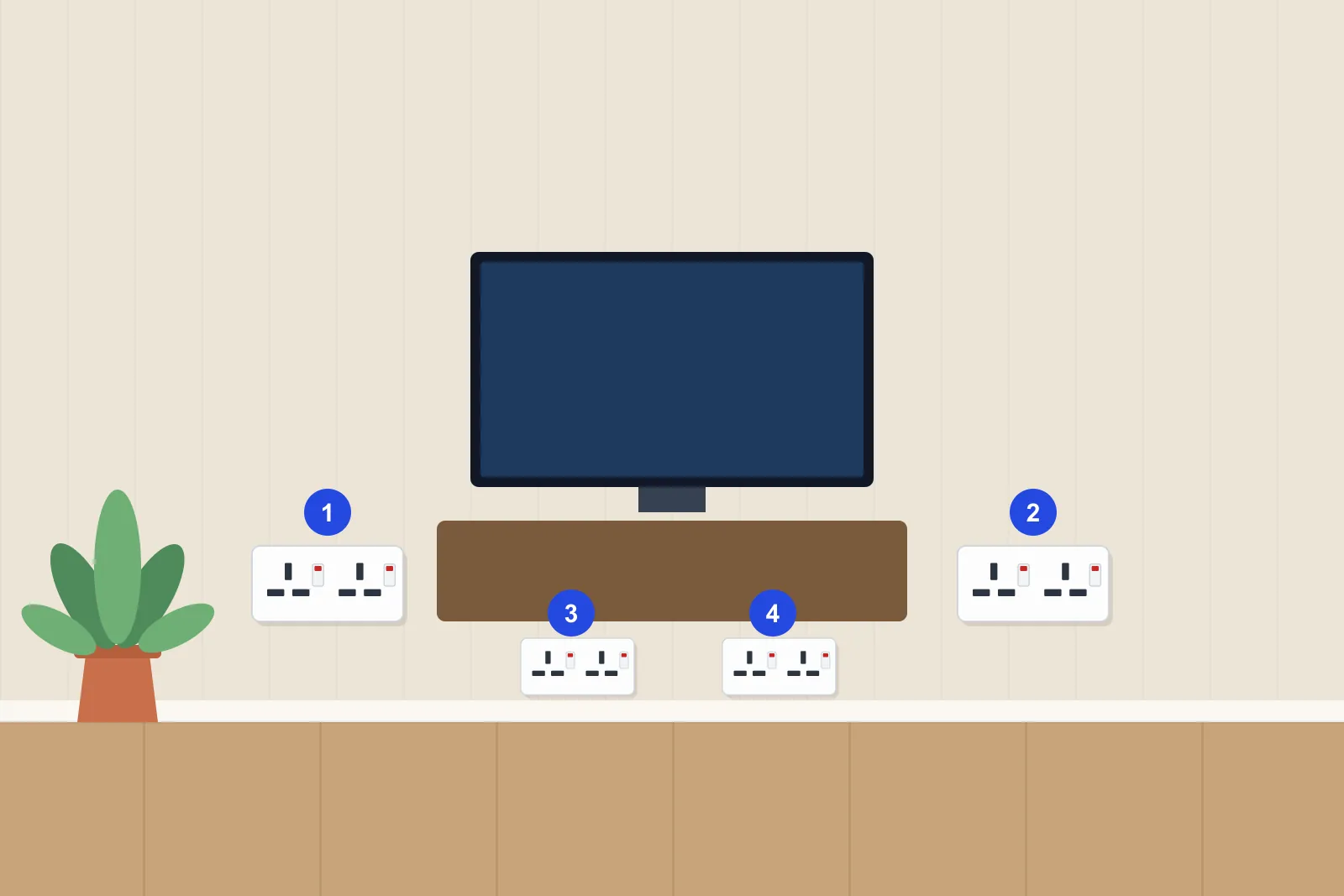
- Plan two data points behind TVs and desks, one in most bedrooms
- Add ceiling points for Wi-Fi access points on each floor
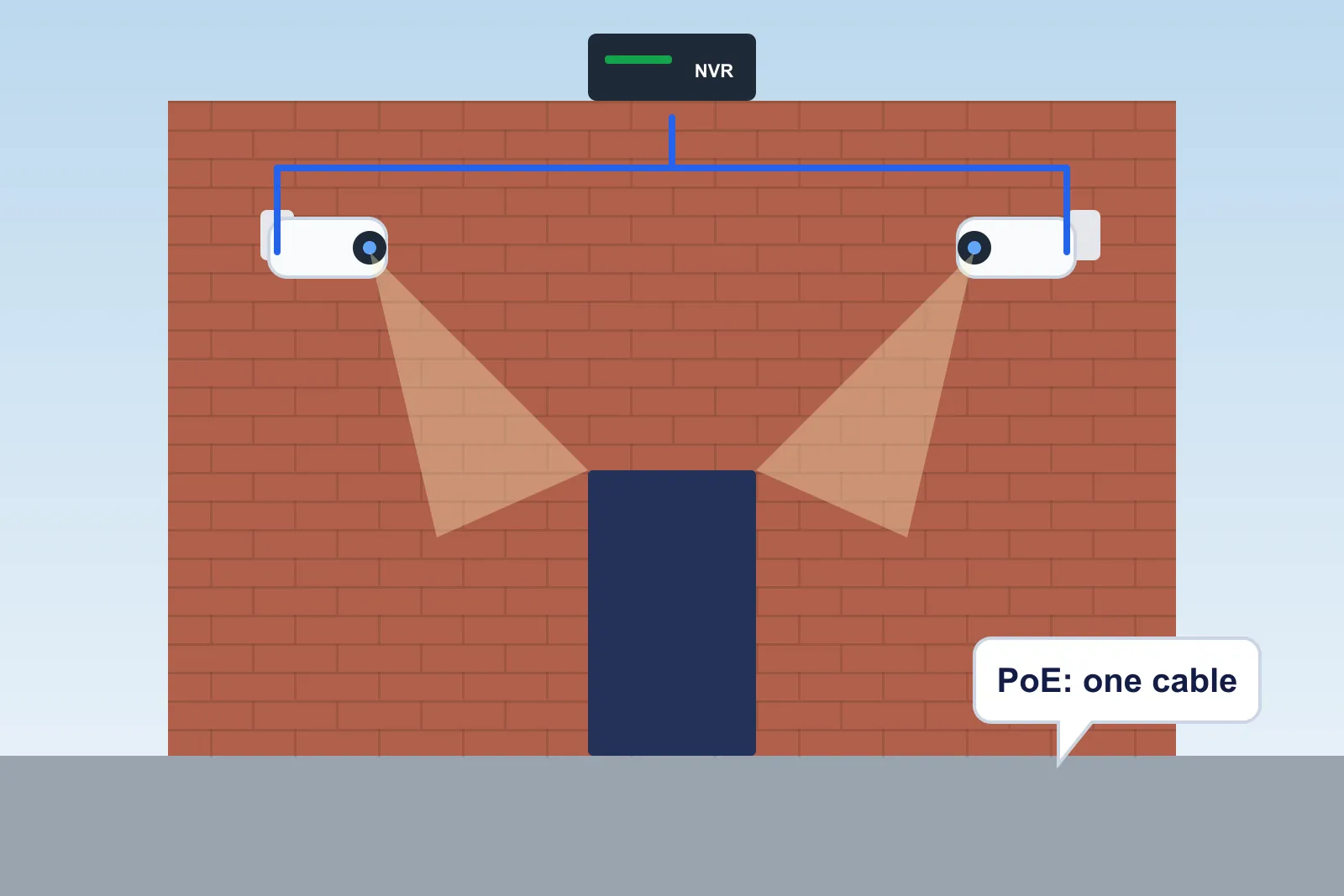
- Include cables for CCTV cameras and outdoor access points
Need an electrician?
Describe the job and compare free quotes from local electricians near you.
- Free to use
- No obligation
- Compare local electricians
- Quick online form
You'll continue to our quotes partner, MyJobQuote, to describe your electrical job.
Retrofitting in a finished house
In a finished home, electricians route cables through lofts, under floorboards, inside stud walls and sometimes externally in neat conduit. Chasing solid walls is possible but creates mess. Powerline adapters and mesh Wi-Fi are alternatives where cabling isn't practical, though neither matches a direct cable for speed and stability.
Typical costs
Ask local electricians whether they install data cabling – many do – and see loft conversion electrics and garden office electrics.
| Job | Typical cost |
|---|---|
| Single data point (retrofit) | £80 – £180 |
| Data point during renovation or rewire | £50 – £100 |
| Patch panel, switch and hub set-up | £150 – £400 |
| Ceiling Wi-Fi access point (cabled and fitted) | £150 – £300 |
| Whole-house cabling (8–12 points) | £900 – £2,000 |
Indicative data cabling prices (2026)